 Telegraph v1.0
Share Files
At Light Speed
The ultimate local file transfer tool. Secure, limitless, and designed for the modern web. Experience transfer speeds only your local network can provide.
Trusted for secure local transfers
See Telegraph in Action
Watch how easy it is to transfer files at lightning speed.
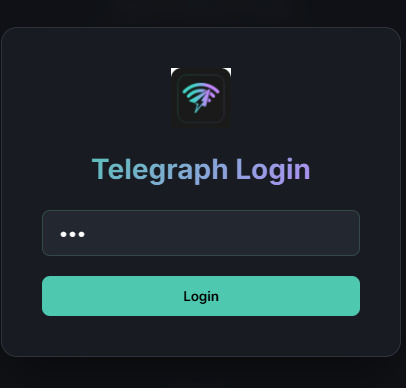
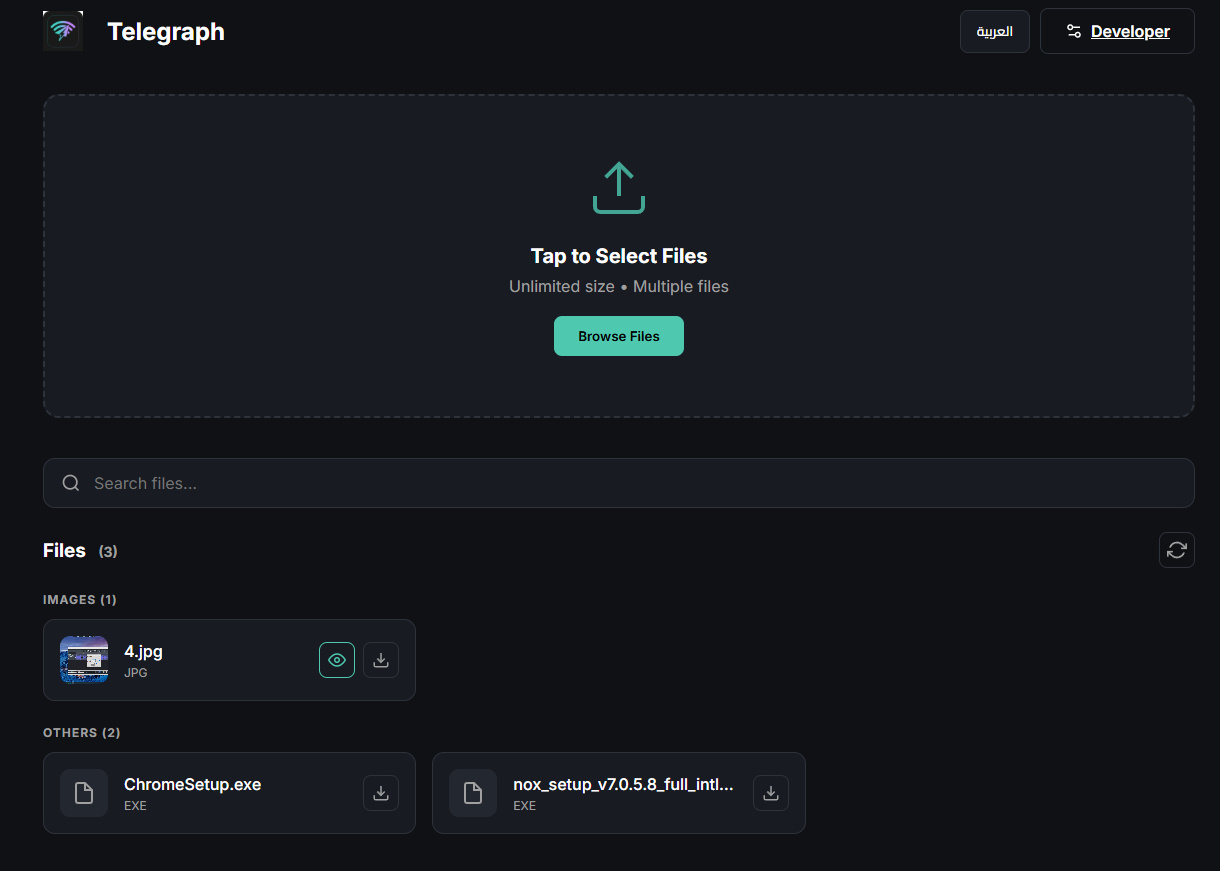
App Screenshots
Explore Telegraph's intuitive interface and powerful features
🛡️ Security & Installation
Windows SmartScreen protection guide
🔒 Safe Installation Steps
How to bypass Windows protection
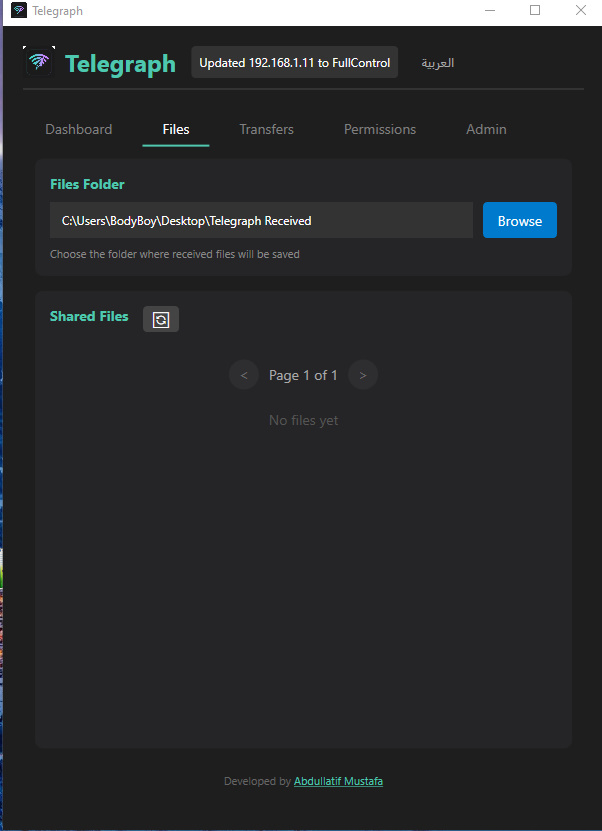
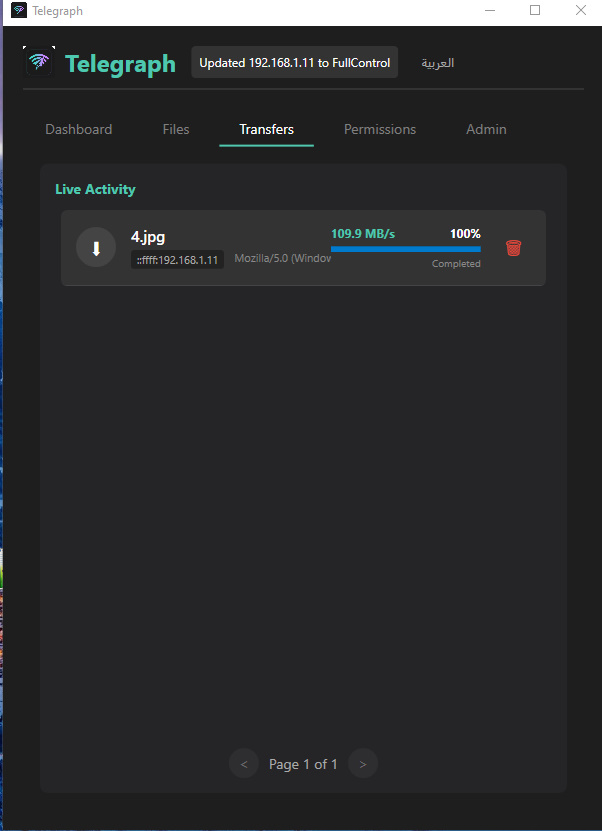
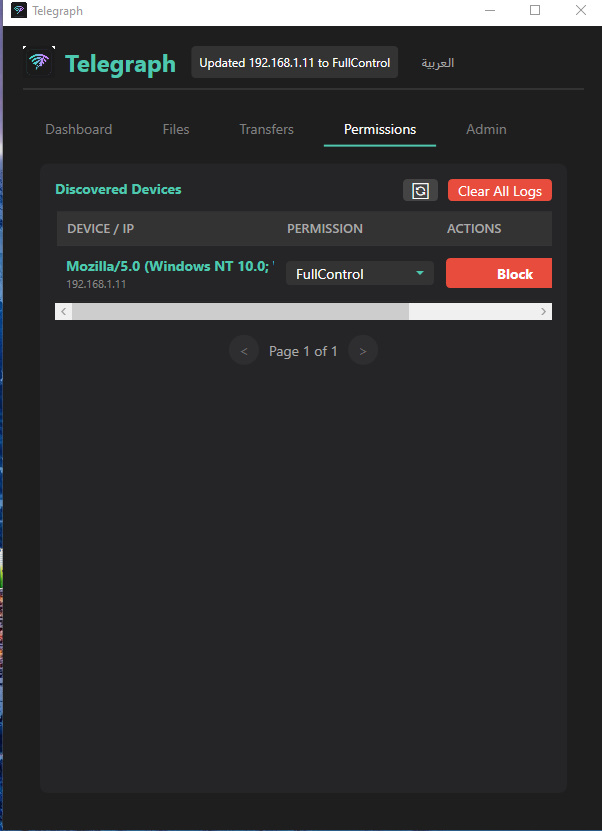
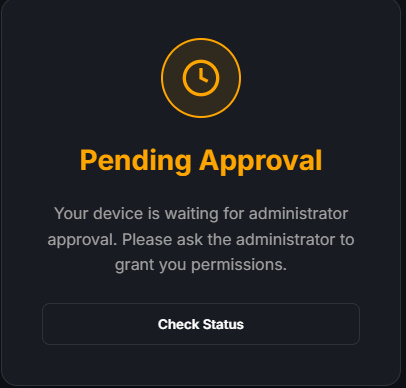
🛡️ Security and Installation Guide
Complete guide for safe Telegraph installation
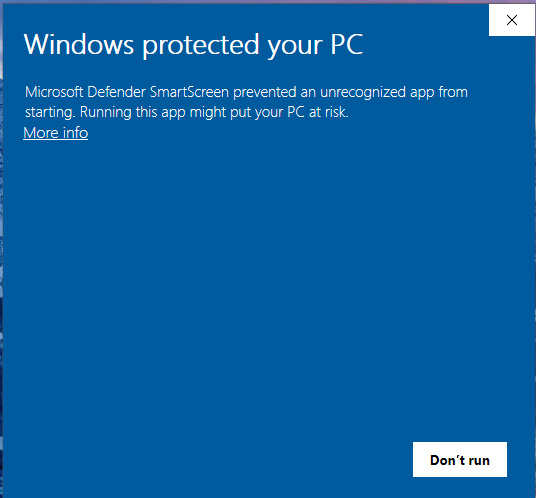
Windows SmartScreen Notice
When launching Telegraph.exe, you may encounter a blue notification stating "Windows protected your PC". This is a standard security procedure by Microsoft Defender for newly published software that has not yet established a long-term reputation in their global database.
How to run the application safely:
Click "More Info"
Click on the "More info" link located just below the main warning text.
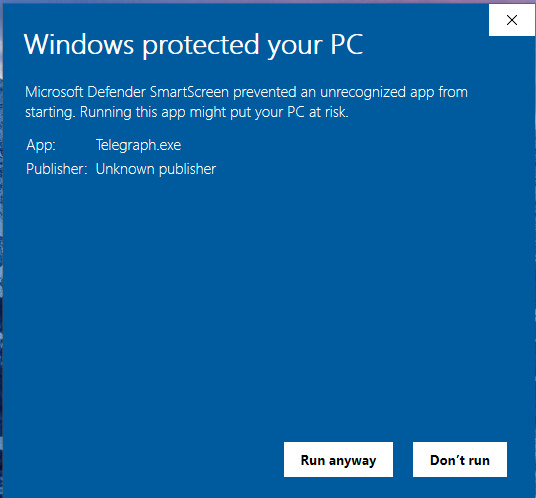
Click "Run Anyway"
A new button labeled "Run anyway" will appear at the bottom of the window.
Launch Application
Click "Run anyway" to launch the application safely.
Why Telegraph is safe to use:
Integrity Guaranteed
The application is built specifically for high-speed file transfers and contains no malicious components.
Verified Binaries
The files provided in this repository are the official builds created by the developer.
Digital Transparency
We provide this documentation to ensure users feel secure while utilizing the server's maximum performance.
Why Telegraph?
Built for speed, privacy, and simplicity.

Blazing Fast
Leverage your local Wi-Fi network to transfer files locally at speeds unmatched by cloud services.

Secure & Private
Your data never leaves your local network. Direct device-to-device transfer means total privacy.

Cross Platform
Seamlessly share between Android and Windows devices without cables or complex setups.

Unlimited Size
Send 4K videos, entire folders, or huge archives. There are no size limits on your transfers.
Simple as 1-2-3
Connect
Ensure both devices are connected to the same Wi-Fi network.
Select
Choose the files, photos, or videos you want to share.
Send
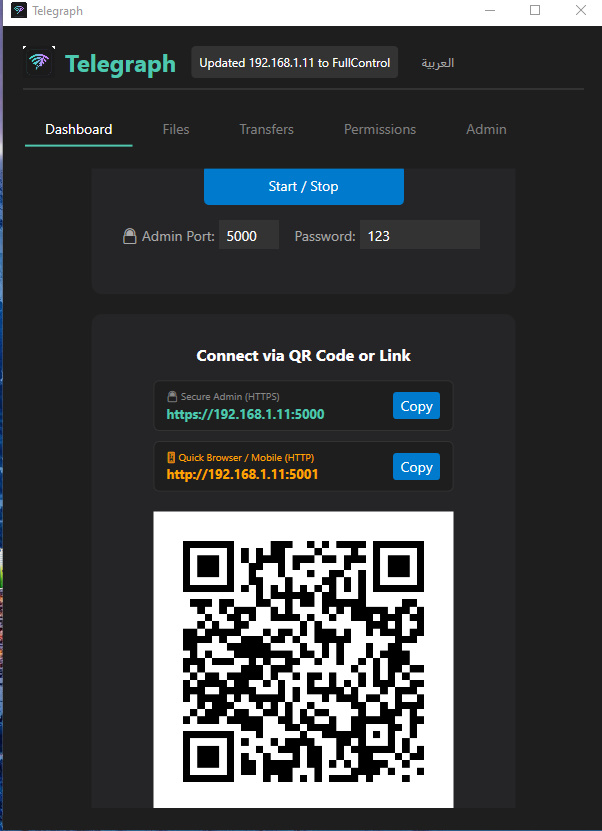
Scan the QR code or select the target device to transfer instantly.
Ready to Upgrade Your Workflow?
Download Telegraph today and experience the future of local file sharing.